
Keeping track of your bank account balance is an important part of managing everyday finances. Whether you receive your salary, pay household bills or transfer money to family members, knowing how much money is available in your account helps you plan your spending.
Customers of First Abu Dhabi Bank (FAB) in the United Arab Emirates have access to digital banking services that make it easier to manage their accounts. Many people search for FAB bank balance check, FAB balance check and FAB bank balance check enquiry to find convenient ways to view their available funds.
FAB offers digital banking options, including FAB First, FAB Mobile and internet banking. These services allow eligible customers to access account information without visiting a physical branch.
This guide explains the main ways to check your FAB bank balance, how to access the available services and what to do if you experience a problem.
What Is FAB Bank Balance Check?
A FAB bank balance check allows customers to view the amount of money available in their bank accounts.
First Abu Dhabi Bank, commonly known as FAB, is one of the major banking institutions in the UAE. It provides personal and business banking products, including current accounts, savings accounts, cards and digital financial services.
Checking your balance regularly can help you:
- Monitor your available money.
- Confirm incoming salary payments.
- Review recent account transactions.
- Keep track of everyday spending.
- Identify unexpected transactions.
- Plan upcoming payments and transfers.
The exact account information available depends on the banking product and service you use.
How to Check FAB Bank Balance Online
One convenient option is to use FAB’s digital banking services.
FAB provides mobile and internet banking facilities through which eligible customers can access account information.
Method 1: Check Your Balance Using FAB Mobile
The FAB Mobile app provides access to account information and everyday banking services.
Follow these general steps:
Step 1: Download the Official App
Open the Google Play Store or Apple App Store and search for the official FAB Mobile application.
Make sure you download the genuine application published by First Abu Dhabi Bank.
Step 2: Register or Log In
Existing customers can register using the information requested by FAB. If you have already registered, open the application and log in using your secure credentials.
Step 3: Open Your Accounts Section
After successful login, navigate to the accounts area of the application.
Step 4: Select Your Account
Choose the relevant current or savings account to view its available information.
Step 5: Review Your Balance
Check the balance displayed on your account screen. You may also be able to access transaction details and download account information.
FAB confirms that its mobile banking service supports viewing account balances and transaction details.
Official mobile banking page:
Method 2: Check Your Balance Through FAB First
FAB has also introduced FAB First, a newer digital banking experience.
The bank explains that FAB First and FAB Mobile provide different ways to access banking services. FAB Mobile remains available for essential services that may not yet be available through FAB First.
If you are an existing customer and want to explore FAB First, follow these steps:
- Download the official FAB First application from your device’s app store.
- Open the application.
- Select the option for existing customers.
- Follow the registration instructions.
- Complete the required security verification.
- Access the banking features available for your account.
The services displayed may depend on your customer profile and the features supported by the application.
Always use the official FAB website to find the correct app links.
Method 3: Check Your FAB Balance Through Internet Banking
Customers who prefer using a computer can also access FAB internet banking.
The bank’s service status information lists account balance and transaction history as available through internet banking.
Here is how to get started:
Step 1: Visit the official FAB website.
Step 2: Find the login option and select the appropriate internet banking service.
Step 3: Enter your registered login information.
Step 4: Complete any required security verification.
Step 5: Open your account information to view the available balance and recent transactions.
If you have not registered for internet banking, follow the bank’s current registration instructions before attempting to log in.
Never access banking services through unfamiliar links received by email, SMS or social media.
How to Check FAB Bank Balance Through an ATM
Some customers prefer checking their account information using an ATM rather than an online service.
If your FAB account and card support ATM balance enquiries, you can use a supported ATM.
The general process is:
- Find a suitable ATM.
- Insert your eligible bank card.
- Enter your PIN privately.
- Select the balance enquiry option if available.
- Follow the instructions displayed on the screen.
- Collect your card and any printed receipt.
ATM menus and available services may vary. Check the applicable fees and card conditions before using an ATM operated by another bank.
FAB Balance Check for Current and Savings Accounts
FAB offers different types of personal banking accounts. The account you hold can affect which features and services are available.
FAB Current Account
A current account is generally used for everyday banking activities, such as receiving money, making payments and managing regular expenses.
Eligible FAB current account holders can use digital banking to view their account balance and transaction history.
FAB Savings Account
A savings account is designed to help customers manage and save their money.
Depending on the account type, customers may have access to savings-related features and other banking services.
FAB provides digital account access through its official mobile banking channels.
What Is the Difference Between FAB Bank Balance Check and FAB Card Balance Check?
These two searches may look similar, but they can refer to different banking products.
A FAB bank balance check usually means checking the available balance in a current or savings account.
A FAB card balance check may refer to checking information associated with a prepaid card, debit card or credit card.
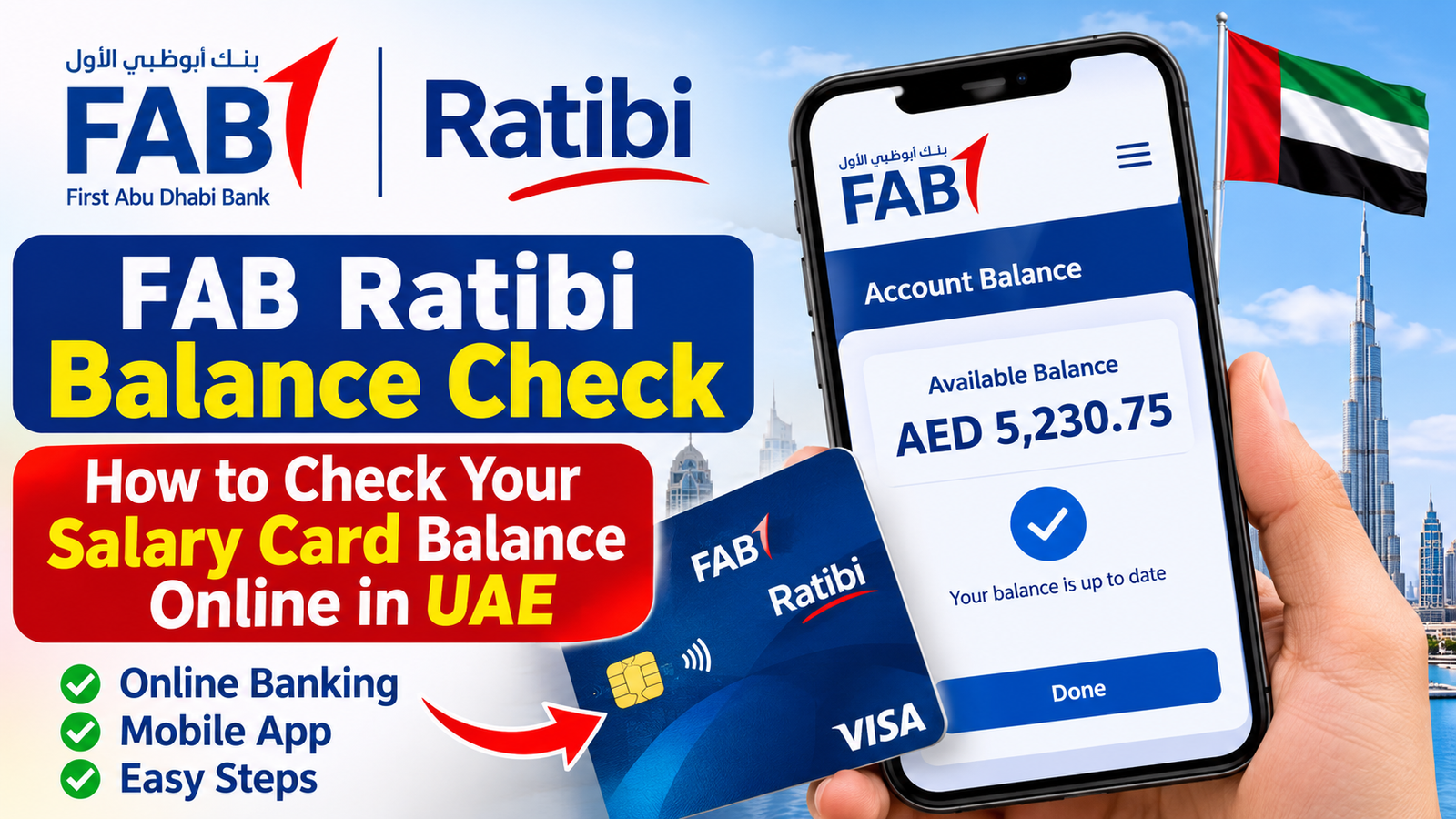
For example, FAB Ratibi is a prepaid payroll card designed to provide salary payments without requiring a traditional bank account.
Ratibi cardholders have a dedicated prepaid card balance enquiry service. Regular bank account customers should use the relevant account banking service instead.
Understanding this distinction can save time and help you select the correct balance enquiry method.
Why Is Your FAB Bank Balance Not Showing?
Sometimes customers may experience problems when accessing their account information.
Several issues can affect a balance enquiry.
1. Internet Connection Problems
A weak or unstable connection can prevent an application or website from loading correctly.
Check your internet connection and try again.
2. Incorrect Login Information
Entering incorrect login credentials may prevent access to your account.
Make sure you are using your registered details and follow the official account recovery process if necessary.
3. Application Updates
An outdated banking application may not work as expected.
Check the official app store for available updates.
4. Temporary Service Issues
Banking platforms occasionally experience maintenance or technical interruptions.
FAB provides a service status page where customers can review the availability of supported digital banking services.
5. Account Access Restrictions
Some accounts may require additional verification or updated customer information.
If you cannot access your balance after trying the usual steps, contact FAB directly through its official support channels.
Is FAB Online Balance Checking Safe?
Digital banking makes it easier to manage money, but protecting your account information remains essential.
FAB provides security features for its digital banking services. Customers should also follow basic precautions when accessing financial information.
Here are some useful security tips:
- Use the official FAB website and applications.
- Never share your banking password.
- Do not disclose your card PIN or OTP.
- Avoid accessing banking accounts through public Wi-Fi.
- Keep your phone and banking application updated.
- Review account activity regularly.
- Report suspicious transactions through official FAB support.
Remember that a genuine bank representative should not ask you to disclose your confidential PIN or OTP.
Frequently Asked Questions About FAB Bank Balance Check
1. How can I check my FAB bank balance online?
You can check your account information through FAB Mobile, FAB First or internet banking, depending on the services available for your account. Log in using the official banking service and open your account details.
2. What is the official FAB balance check website?
The official FAB website is https://www.bankfab.com/. From there, customers can access the bank’s digital banking services and support information.
3. Can I check my FAB balance using my mobile phone?
Yes. FAB provides mobile banking applications that allow eligible customers to view account balances and transaction details.
4. Can I check my FAB bank balance without visiting a branch?
Yes. Digital banking services allow customers to access supported account information remotely without visiting a physical branch.
5. Is FAB Mobile different from FAB First?
Yes. FAB describes them as two different digital banking experiences. FAB First offers a newer personalised experience, while FAB Mobile remains available for essential banking services that may not yet be supported on FAB First.
6. Can I check my FAB savings account balance online?
Eligible customers can view their account information through FAB’s supported digital banking services. The features available depend on the specific account.
7. Why can’t I access my FAB account balance?
Possible reasons include internet problems, incorrect login information, outdated applications, temporary service interruptions or additional security requirements. Check the official service status page if the issue continues.
8. Is FAB bank balance checking free?
FAB’s digital banking information states that customers can use most mobile banking services without a charge. However, some banking transactions and services may involve fees. Check the current FAB service and price guide for applicable charges.
9. Can I check my FAB bank balance from outside the UAE?
FAB states that customers can access FAB Mobile while outside the UAE if they have an internet connection through Wi-Fi or mobile data. Security verification may still be required.
Conclusion
A FAB bank balance check is a straightforward way to monitor your money and stay informed about your everyday finances.
Customers in the UAE can use FAB Mobile, FAB First and internet banking to access supported account information. ATM services may also provide a balance enquiry option for eligible cards.
The best method depends on your account type and the digital banking services available to you. Always use official FAB channels, protect your login information and check the bank’s service status if you experience technical problems.
By checking your account regularly, you can keep track of incoming payments, monitor transactions and manage your money more confidently.