Suggested URL Slug: FAB Ratibi Prepaid Card
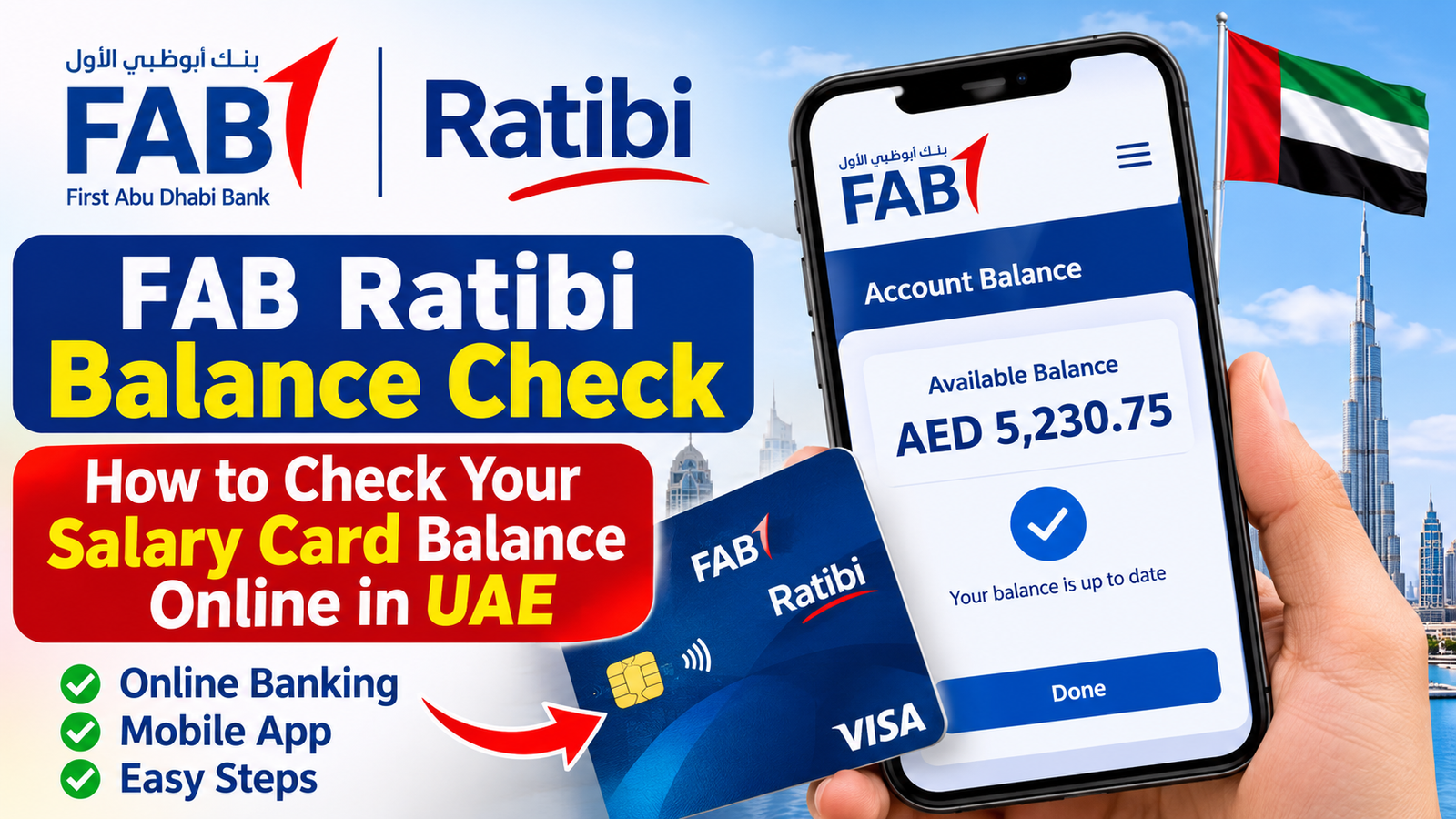
If you receive your monthly salary through a FAB Ratibi prepaid card, keeping track of your available balance is important. Whether you want to confirm that your employer has transferred your salary or check how much money remains after making purchases, knowing the correct balance enquiry method can make everyday money management easier.
Many employees in the United Arab Emirates search for FAB Ratibi balance check, FAB salary card balance check number and FAB salary card balance enquiry to find a convenient way to access their card information.
First Abu Dhabi Bank (FAB) provides an official online balance enquiry service for existing Ratibi cardholders. This guide explains what the Ratibi card is, how to use the official enquiry page, what information you may need and what to do if your balance does not appear.
What Is a FAB Ratibi Salary Card?
The FAB Ratibi card is a prepaid payroll card designed for employees in the UAE. It allows eligible employees to receive their salaries without opening a traditional bank account.
According to FAB, Ratibi is designed for employees earning up to AED 5,000. Employers can use the payroll solution to transfer salaries to employees’ prepaid cards.
The card can also be used for eligible retail purchases and cash withdrawals through supported ATM networks.
Some important features include:
- Receive salary payments through a prepaid card.
- No traditional bank account is required.
- No minimum balance requirement for cardholders.
- No monthly cardholder charges according to FAB’s Ratibi product information.
- Access supported ATM and cash deposit machine networks.
- Receive SMS alerts when salary payments are credited.
- Use the card at supported retail and online merchants.
These features make Ratibi a useful payroll option for eligible employees who want convenient access to their salary.
How to Check FAB Ratibi Balance Online
The simplest starting point is the official Ratibi Prepaid Card Balance Enquiry service linked from FAB’s website.
Follow these steps to check your available card information:
Step 1: Visit the Official FAB Website
Open the official First Abu Dhabi Bank website and navigate to the Ratibi Prepaid Card section.
Step 2: Find the Balance Enquiry Option
Look for the section labelled “Existing Ratibi Card Holder?” Under this heading, FAB provides a link to its Ratibi Prepaid Card Balance Enquiry service.
Step 3: Open the Prepaid Card Enquiry Page
Select the balance enquiry link. You will be redirected to the prepaid card enquiry page hosted on the Magnati domain.
Step 4: Enter the Required Card Details
The enquiry page asks for specific information, including:
- The last four digits of your card number.
- Your Card ID.
- The displayed CAPTCHA verification code.
Enter the requested information carefully. Do not share your complete card number, PIN, OTP or other confidential banking details with anyone.
Step 5: Submit Your Enquiry
Complete the CAPTCHA and select the Go option. Follow the instructions displayed by the official service to check your card information.
You can access the official pages here:
- FAB Ratibi Card: https://www.bankfab.com/en-ae/personal/prepaid-cards/ratibi
- Prepaid Card Enquiry: https://ppc.magnati.com/ppc-inquiry/
Always check the website address before entering card information.
FAB Salary Card Balance Check Number
Some Ratibi cardholders prefer checking their salary information through customer support instead of using an online enquiry page.
FAB provides customer support for Ratibi cardholders through its official service channels. If you need help with a missing salary credit, an inaccessible card or a balance enquiry problem, use the contact information shown on the official FAB Ratibi page.
The available support route may depend on whether you are calling from inside or outside the UAE.
Before contacting support, keep the following information available:
- Your Ratibi prepaid card.
- Your registered personal details.
- Your employer’s name.
- The approximate date of your latest salary payment.
- A description of the problem.
Never provide your card PIN or OTP to someone claiming to be a bank representative.
How to Check Whether Your Salary Has Been Credited
Sometimes employees receive a salary notification but are unsure whether the money has reached their card.
There are several ways to investigate this situation.
Check the official balance enquiry service: Use the Ratibi prepaid card enquiry page to check your card information.
Review SMS notifications: FAB’s Ratibi product information mentions SMS alerts for salary credits. Check your registered mobile number for relevant notifications.
Contact your employer: If the expected salary is missing, ask your company’s payroll department whether the salary transfer has been processed.
Contact FAB: If your employer confirms that the payment was sent but it is not reflected in your card information, contact the bank through its official support channels.
Remember that a payroll processing delay and a card enquiry issue are two different problems. Identifying the correct one can help you get assistance faster.
What Is the Difference Between a FAB Ratibi Card and a Bank Account?
A Ratibi card and a traditional bank account are not the same thing.
The Ratibi product is a prepaid payroll solution. Eligible employees receive their salary on a card without needing to open a regular bank account.
A traditional bank account, on the other hand, may provide additional services such as account statements, savings features, transfers and other banking facilities, depending on the account type.
This difference matters when searching online for a FAB balance check.
If your employer pays your salary through a Ratibi card, use the dedicated prepaid card enquiry service rather than assuming that every regular bank account checking method will work for your card.
FAB Ratibi Balance Check Not Working? Try These Solutions
An online balance enquiry may occasionally fail because of incorrect information, CAPTCHA problems or temporary technical issues.
Here are some things you can check:
Incorrect Card ID
Make sure you are using the Card ID requested by the enquiry page. It is not necessarily the same as the last four digits of your card number.
Wrong Last Four Digits
Check the final four digits carefully before submitting your enquiry. Avoid entering information from a different card.
CAPTCHA Verification Problem
CAPTCHA codes may contain letters or numbers that are easy to confuse. Refresh the verification image if the website allows it.
Website Not Loading
Check your internet connection and try opening the official enquiry page again. You can also try another updated browser.
Salary Not Showing
If the latest salary payment is missing, contact your employer’s payroll department first. They can confirm whether the payment was processed successfully.
If the issue continues, contact FAB through its official customer support channels.
Is the FAB Ratibi Balance Enquiry Website Safe?
Using the official enquiry link provided by FAB is important when checking prepaid card information.
The Ratibi product page on the FAB website directs existing cardholders to the Magnati prepaid card enquiry service.
However, users should still follow basic online banking safety practices:
- Open the enquiry service through the official FAB website.
- Check the website address before entering card information.
- Never disclose your PIN or OTP.
- Avoid suspicious links sent through messages or social media.
- Do not download unknown applications to check your balance.
- Never share card details with unverified individuals.
If a website asks for information that seems unnecessary, stop and contact FAB before continuing.
Frequently Asked Questions About FAB Ratibi Balance Check
1. How can I check my FAB Ratibi balance online?
Visit FAB’s official Ratibi prepaid card page and select the Ratibi Prepaid Card Balance Enquiry option. The enquiry service asks for the last four digits of your card number, Card ID and CAPTCHA verification.
2. What is the official FAB Ratibi balance check website?
FAB provides a balance enquiry link through its official Ratibi product page. The link opens the Magnati prepaid card enquiry service at ppc.magnati.com/ppc-inquiry/.
3. Can I check my FAB salary card balance without a bank account?
Yes. Ratibi is designed as a prepaid payroll solution that allows eligible employees to receive their salaries without opening a traditional bank account.
4. What details are required for a Ratibi balance enquiry?
The official enquiry page requests the last four digits of the card number, Card ID and CAPTCHA verification.
5. Is FAB Ratibi the same as a normal FAB bank account?
No. Ratibi is a prepaid payroll card, while a regular FAB bank account is a separate banking product with different features and services.
6. Why is my FAB Ratibi balance not showing?
Possible reasons include incorrect card information, CAPTCHA errors, temporary website problems or a delayed salary transfer. Check your details and contact your employer or FAB if the problem continues.
7. Can I use my Ratibi card for online purchases?
FAB states that Ratibi cards can be used at supported retail and online merchants, as well as supported Visa or Mastercard networks, subject to the applicable card arrangements.
8. Does FAB Ratibi provide salary credit notifications?
Yes. FAB lists free SMS alerts on salary credit among the Ratibi card benefits.
Conclusion
Checking your FAB Ratibi balance helps you keep track of salary payments and available funds. For existing cardholders, FAB provides a dedicated prepaid card enquiry service that can be accessed through its official Ratibi product page.
You may need the last four digits of your card number, Card ID and CAPTCHA verification to complete the enquiry. If the service does not work or your salary has not appeared, check your details and contact your employer or FAB through its official support channels.
Always use trusted banking services and protect your personal card information when checking your salary balance online.